Free until 20 October
Get SERYX FiveM free for a week
Register with the code SERYXONTOP instead of a bought key and play a week of SERYX FiveM, the mod menu with aimbot, silent aim, ESP and the HWID spoofer included. No payment. It takes about five minutes.
Before you start
- A Windows PC with FiveM installed.
- A Discord account. You log in to the dashboard with it.
- A few PC settings, which the FiveM setup guide walks through: FiveM in Fullscreen on Release.
How to register for the free week
Everything happens on the register page. This is the form filled in with example values; the numbers match the steps below.
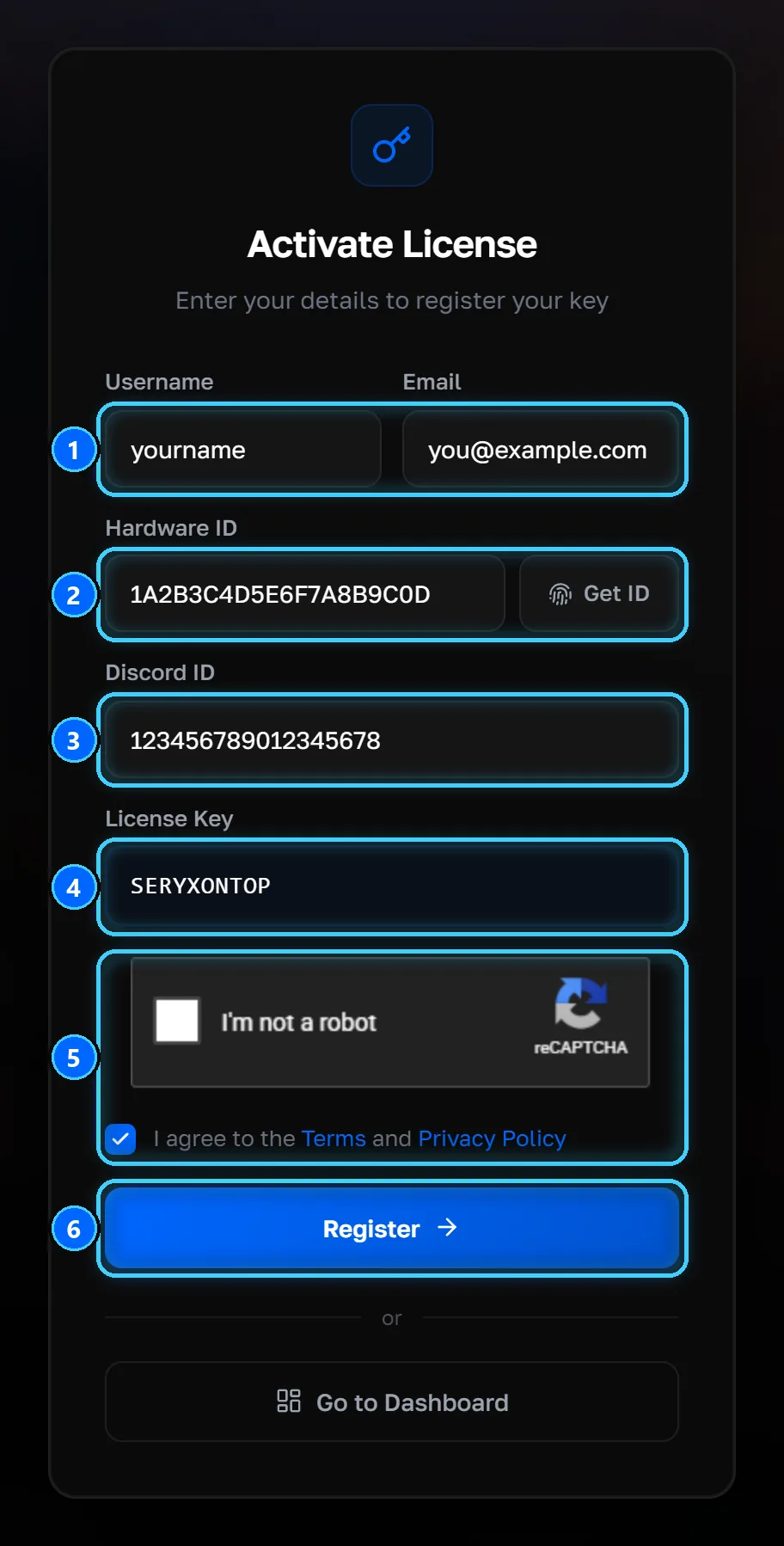
Choose a username and enter your email
Open seryx.gg/register/. Pick a username and enter an email address you can read.
Get your Hardware ID
Click Get ID next to the Hardware ID box. It downloads the HWID tool, hwid_get.exe. Run it, copy the ID it shows and paste it into the Hardware ID box.
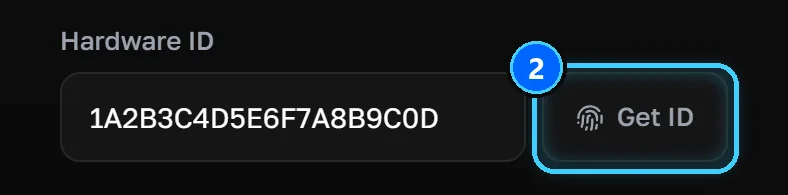
Paste your Discord ID
In Discord, open User Settings, then Advanced, and turn on Developer Mode. Then click your avatar in the bottom-left corner, or right-click your name in any chat, and choose Copy User ID. Use the Discord account you will log in with in step 7.
Enter the code SERYXONTOP
Type SERYXONTOP in the License Key box, in capitals, exactly as shown. The code takes the place of a bought key.
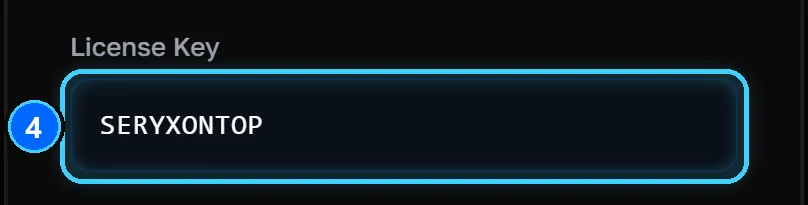
Tick the captcha and the terms
Tick "I'm not a robot" and the box agreeing to the Terms and Privacy Policy.
Click Register
Click Register and wait for the confirmation message. If a field is missing, the page tells you which.
After you register
Log in with Discord
Go to seryx.gg/dashboard/login/ and click Continue with Discord, with the same Discord account as in step 3.
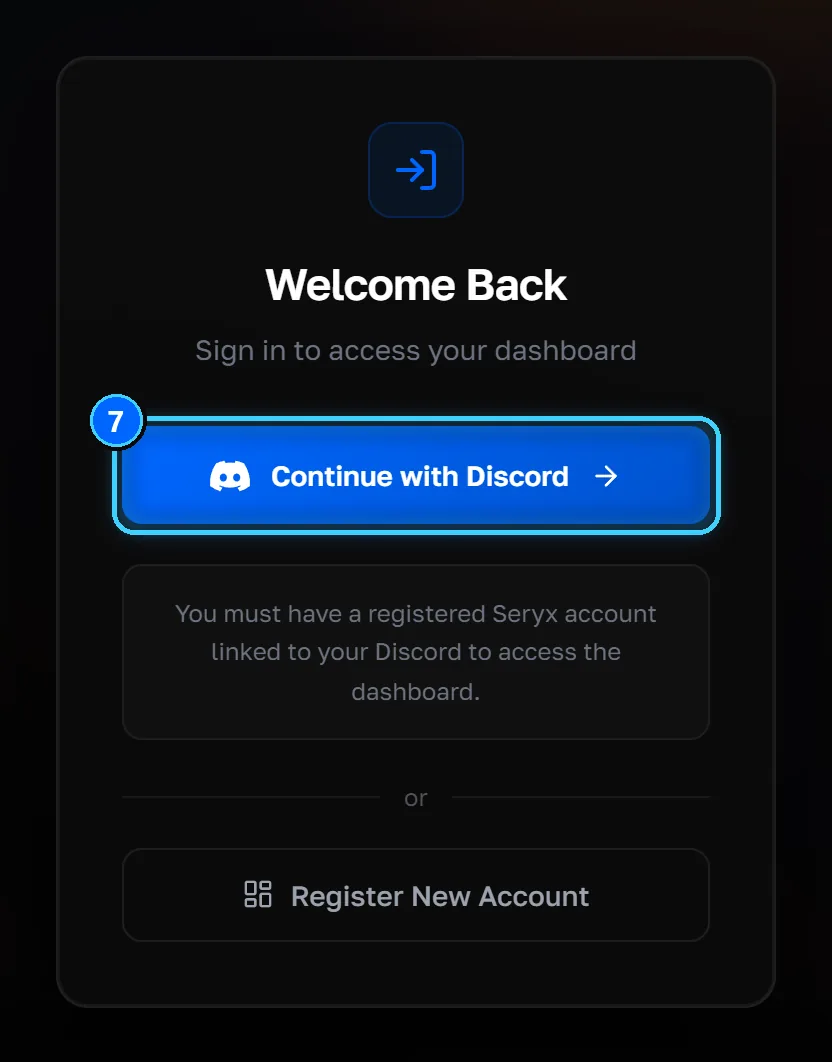
Download your build and set up
In the dashboard, open Download to get your build, then follow the FiveM setup guide: FiveM settings, BIOS checks, running the loader and injecting.
What SERYX FiveM includes
SERYX FiveM is a paid FiveM mod menu, kept up to date against detection. Read what each part does before you start:
Current status is on the status page, and the changelog lists every update.
Free week FAQ
Is the SERYX free week really free?
Yes. You register with the code SERYXONTOP instead of a bought license key, and the register form has no payment step.
When does the SERYX free week offer end?
The code works until 20 October 2026 at 00:00 UTC: 02:00 on 20 October in Paris, 20:00 on 19 October in New York.
Where do I find my Hardware ID?
Click Get ID next to the Hardware ID box on the register page. It downloads the HWID tool, hwid_get.exe; run it and copy the ID it shows.
Where do I find my Discord ID?
In Discord, open User Settings, then Advanced, and turn on Developer Mode. Then click your avatar in the bottom-left corner, or right-click your name in any chat, and choose Copy User ID.
What do I do after registering?
Log in at seryx.gg/dashboard/login/ with Continue with Discord, download your build from the Download page, and follow the FiveM setup guide.
What happens when my free week is over?
To keep playing, pick a plan: €12 for a week, €20 for a month or €30 for lifetime.